Photograph a hair collection so the details are clear
Build a repeatable shot list that shows the style, selected variant and useful details without changing what customers are buying.
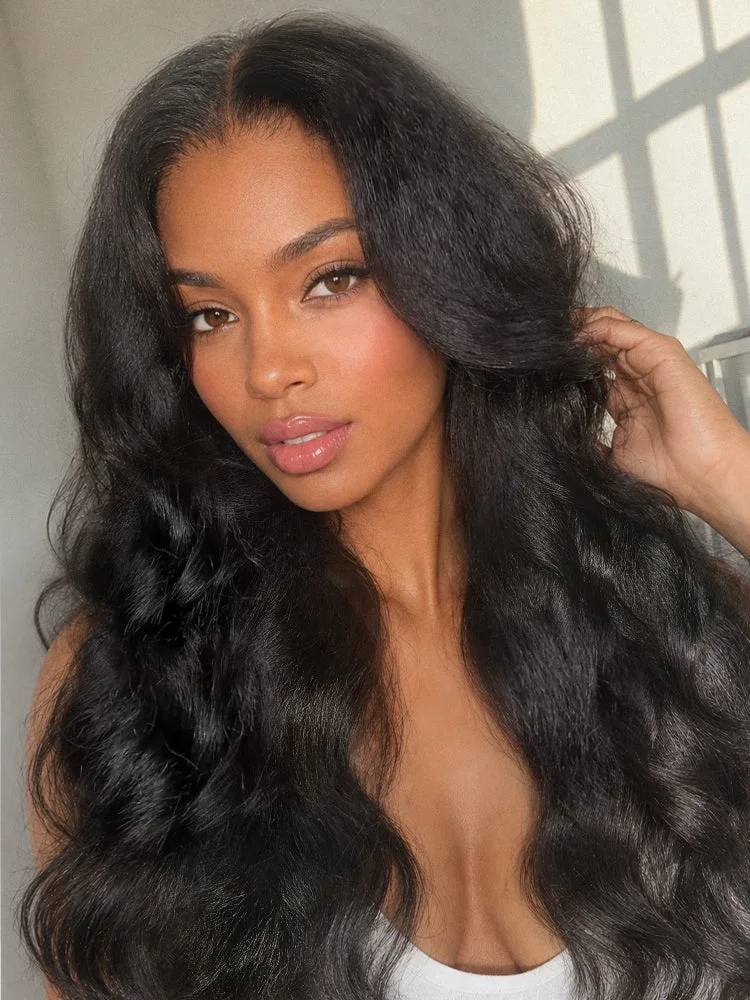
A useful product photograph helps a customer understand the item as well as enjoy the look. Beautiful styling and clear information can work together. Before photographing a collection, decide which questions the images need to answer: the overall silhouette, the side and back shape, the parting, or a specific construction detail. A repeatable shot list makes those answers easier to compare across styles and keeps the session focused on the actual piece being shown.
Identify the item before the first frame
Record the product, selected colour, length and cap option for the piece in front of the camera. Give the image set a reference that connects to that record. If you are shooting several similar styles, include a temporary identification frame between sets for your internal organisation, then leave that frame out of the published gallery.
Check the condition and prepare the hair only with suitable methods. Record meaningful styling or customisation that affects the photographed appearance. If the piece has been trimmed for a shoot, do not present that finish as the untouched standard product without explanation. The images should help a customer understand the offer they will actually receive.
Build a shot list around customer questions
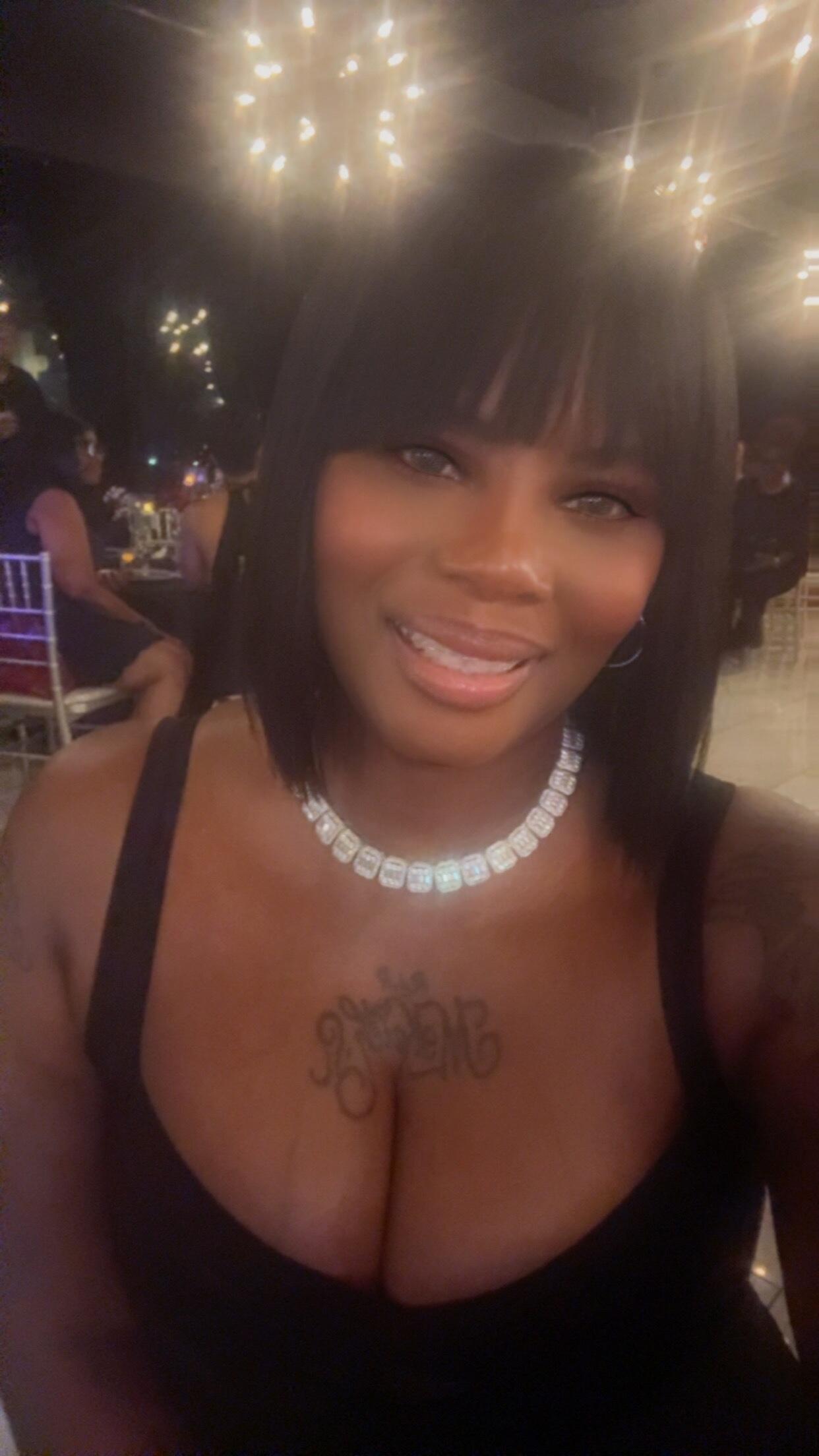
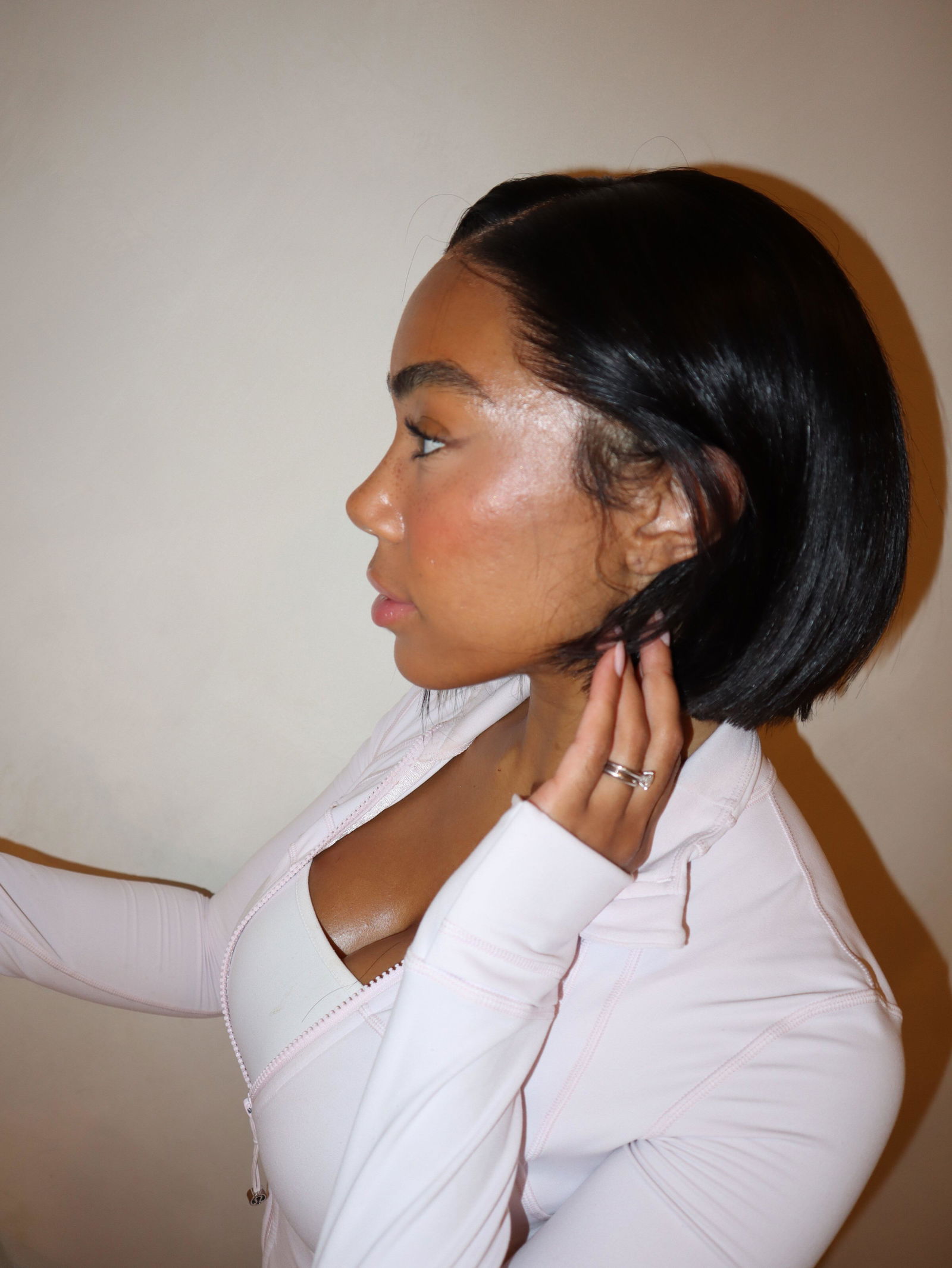
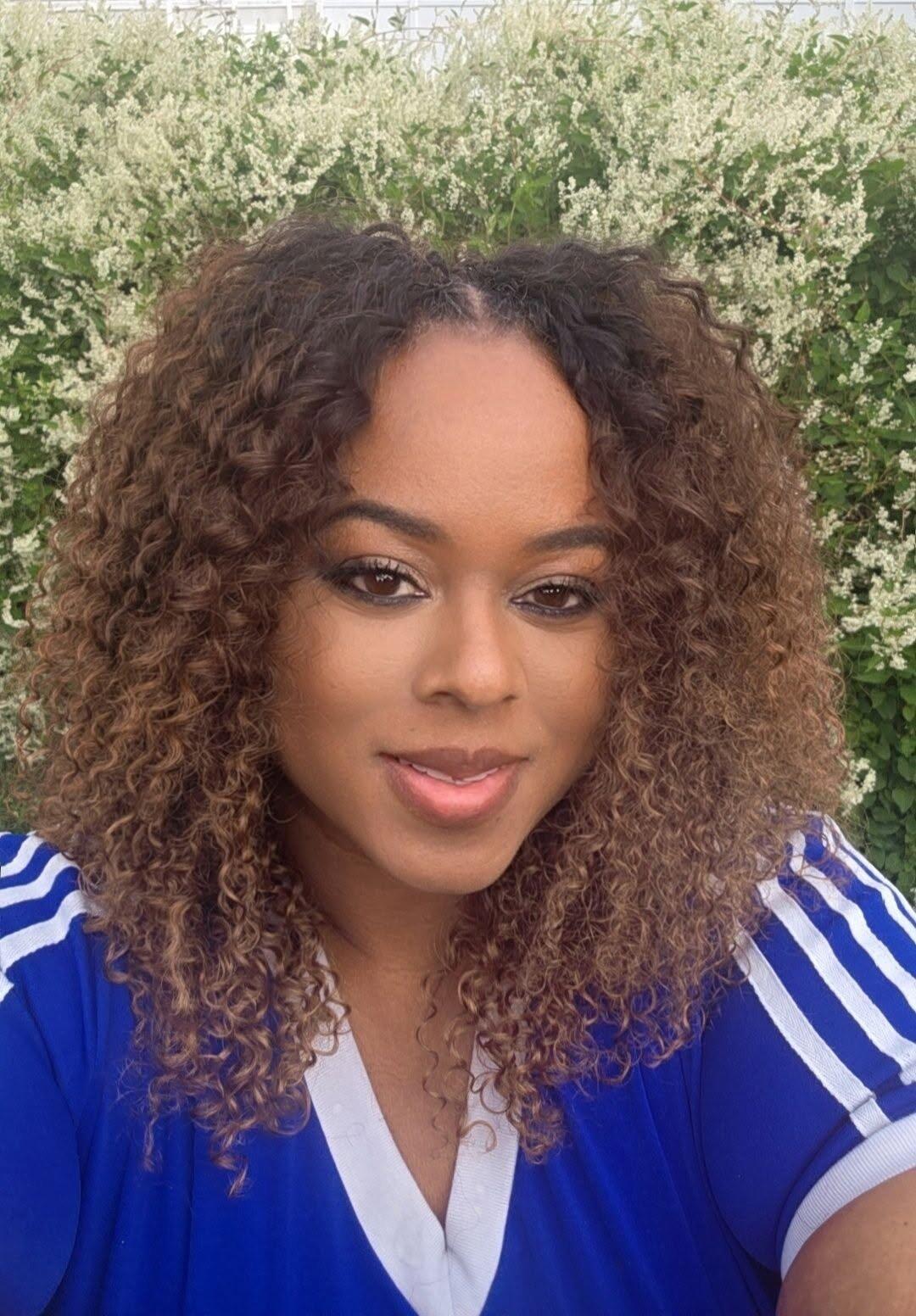
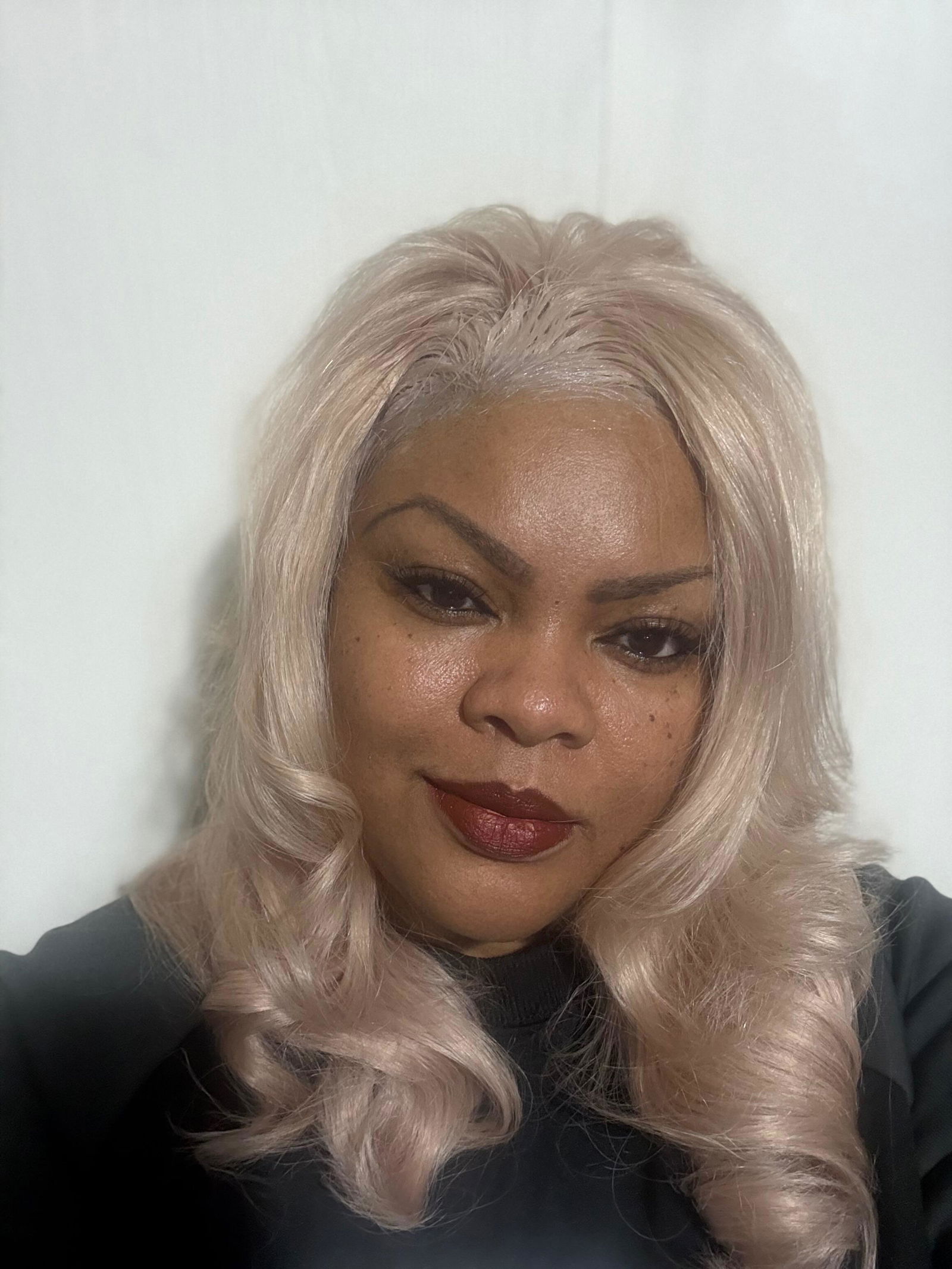
Begin with a clear overall view, then add useful side and back angles. Include a closer view of the parting or fringe where it helps explain the style. If construction is important to the purchase, use an appropriate separate detail image instead of expecting the main beauty photograph to reveal the inside of the cap.
For extensions, show the complete set and the arrangement of its pieces where relevant. Keep the selected variant clear. A gallery showing several lengths or colours should identify them accurately rather than leaving the customer to assume that every frame represents the option currently selected on the product page.
Keep the setup consistent enough to compare
Choose a background that does not compete with the hair, and keep the camera position and lighting reasonably consistent within a comparison set. Watch for shadows that hide the ends or make a parting difficult to see. Move distracting objects out of the frame before relying on editing to remove them later.
Consistency does not mean every photograph must look identical. A detail image needs a different view from a full-length image. The useful question is whether a change in the setup helps reveal the product or merely makes two similar items appear more different than they are. Review the pictures together during the session so gaps can be filled immediately.
Use editing to clarify, not reinvent
Cropping, alignment and careful exposure adjustments can help a gallery feel coherent, but avoid changes that misrepresent colour, fullness, hairline or construction. Keep an original copy of the image and a record of significant edits. A customer should not need to mentally subtract a dramatic filter to understand the item.
Do not add unsupported claims, fictional reviews or invented before-and-after results to make a picture persuasive. If a person appears in your own shoot, obtain the appropriate permission before using the image publicly. If you use someone else’s supplied photographs, confirm the permitted use rather than assuming a download makes every use available to you.
Add video only when it answers something useful
A short clip can show movement or a view that is difficult to understand in a still image. Plan the action: a gentle turn, a closer look at a detail or the complete extension set. Avoid filming an elaborate sequence that leaves the key construction question unanswered.
Check the background, packaging and audio before publishing. Label the variant and any relevant styling context. Make the still gallery useful on its own as well, since a visitor may prefer not to play a video or may be browsing where sound and motion are inconvenient. Clear photographs should carry the essential product information.
Organise the finished collection
Name the files consistently, connect them to the correct variant and write descriptive alternative text for useful images. Review the gallery on a small screen as well as a larger one, checking that the hair and relevant details remain visible. Our variant stock-record guide helps keep image references accurate, while the colour guide explains the questions shoppers bring to a gallery.
Keep exploring. Your next chapter is yours to shape.
Back to the journal